
THE ESSENTIALS
Before you begin
- An Android phone with enough free storage.
- An internet connection to download the APK.
- Use the official website or the MixifyTeam GitHub releases page.
LET’S DO THIS
Step by step
- 01
Download the official APK
Use Download latest APK below, or open the official GitHub releases page and select the APK in the latest release’s Assets. A .txt file or source-code ZIP is not the Android installer.
- 02
Open the downloaded file
When the download finishes, tap the file in your browser’s Downloads or your phone’s file manager. Its filename should end in .apk.
- 03
Allow installation for this source, if prompted
Android may ask you to allow installation from the browser or file manager you used. Open the settings shown in that prompt, allow this source, then return to the APK. You can turn this permission off again after installation.
- 04
Install and open Mixify
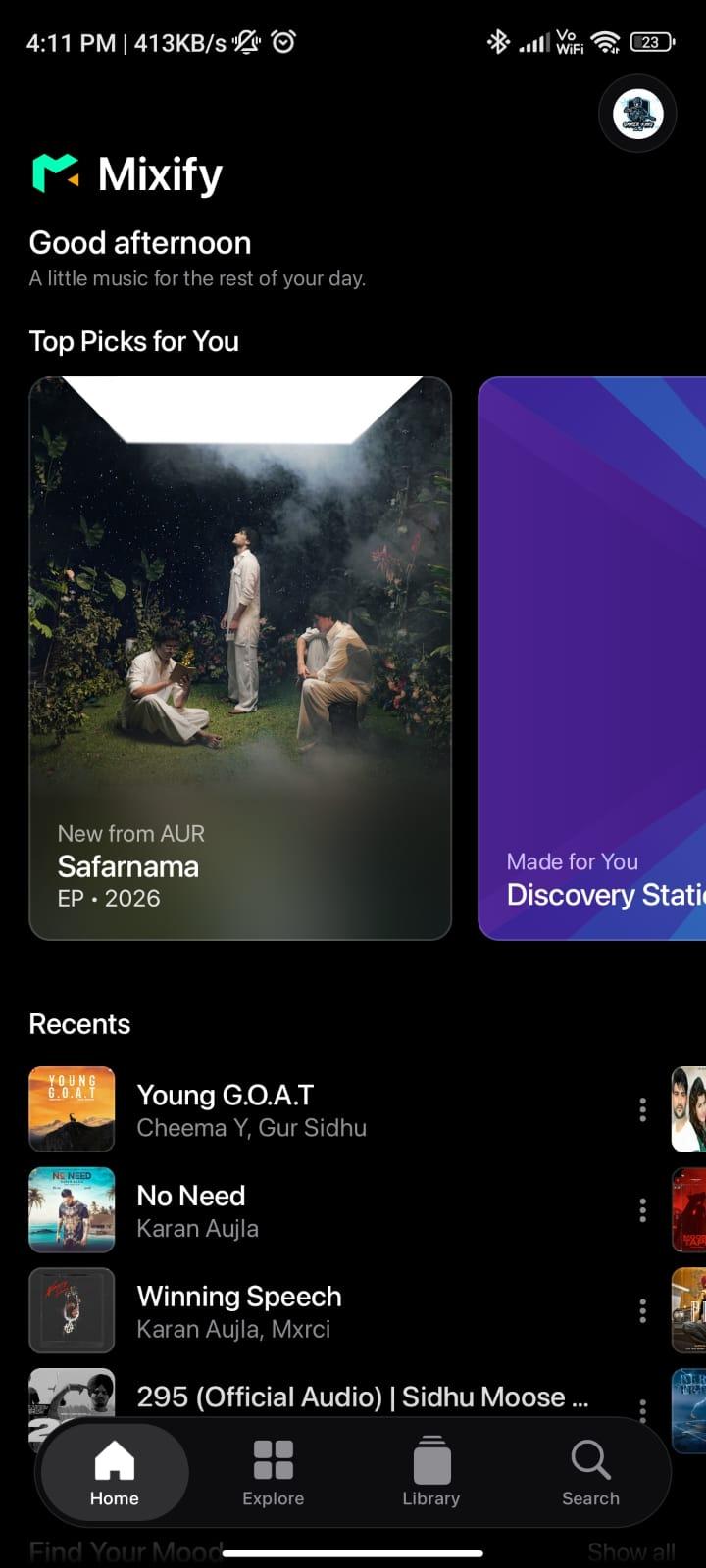
Tap Install, wait for Android to finish, then tap Open. Browse the home screen or search for a song and start playback. Grant permissions only when needed for the feature you are using.
Updating an existing installation
Install the newer official APK over your existing Mixify app. Android requires a compatible package and signing certificate for an update. Keep your existing app installed while trying the update; uninstalling can remove local app data. If an in-app update prompt appears, follow its instructions and complete Android’s installation step.
A LITTLE HELP
If something gets stuck
The downloaded file is not an APK
Return to the official release page and choose the .apk asset rather than source code or a text file.
Android says “App not installed”
Check available storage, make sure the download completed, and compare the release requirements with your phone. An existing build signed with a different certificate can also prevent an update.
Android shows a security warning
Check the file’s source and the warning before continuing. Do not disable device protection just to bypass a warning. If unsure, cancel and check the official project.
GOOD TO KNOW
Common questions
Does the website install Mixify automatically?
No. The website downloads the APK; Android asks you to approve installation on your device.
Will an update keep my library?
A compatible update normally retains app data, but this is not a backup guarantee. Avoid uninstalling to resolve an update error before checking the cause.
Ready for your next listen?
Get the official Android APK or check the latest release notes.